FAQ
-
What brokers are available for the live sync function?
-
Manage subscription
-
What is Trade Dash?
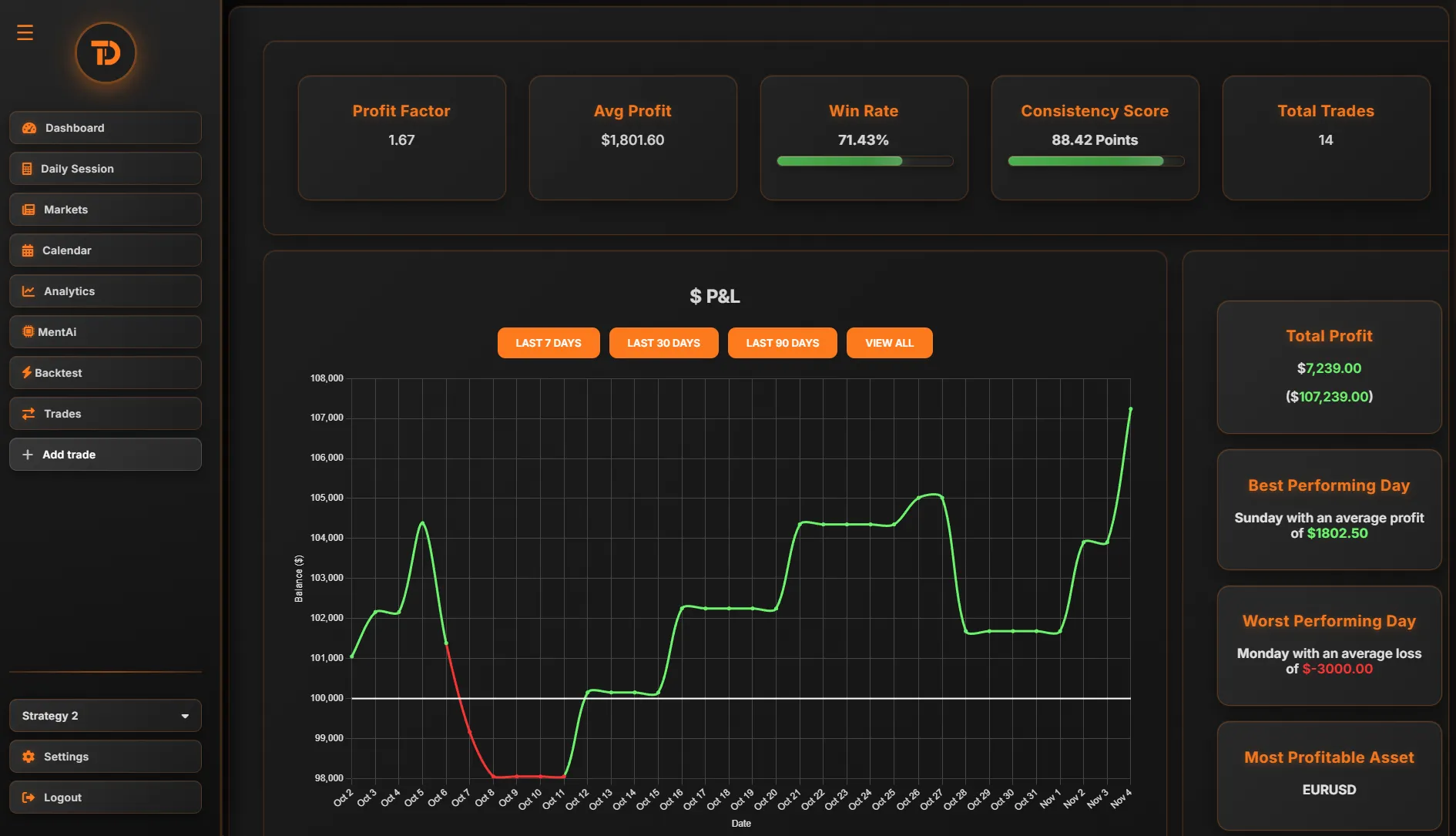
Trade Dash is an online trading journal and analytics platform designed to help traders track their trades, analyze performance and improve their trading strategies. It supports multiple asset classes like Forex, Stocks, Commodities, Indexes, and Cryptocurrencies. Trade Dash also has an Ai trading coach called MentAi.
-
What types of trades can I log in Trade Dash?
Trade Dash allows you to log trades in various asset classes, including Forex, Stocks, Commodities, Indexes, and Cryptocurrencies.
-
Can I track multiple trading accounts?
Yes, TradeDash allows you to create multiple profiles, each representing a different trading account. You can easily switch between profiles to monitor performance individually.
-
How can I analyze my trading performance?
Trade Dash provides various reports and insights to help you analyze your performance. You can track metrics like win rate, average return, risk/reward ratio and more. Our AI coach, MentAi, also provides personalized recommendations.
-
What is MentAi, and how does it help me?
MentAi is Trade Dash’s AI-powered trading coach. It analyzes your trading patterns, provides insights into your strengths and weaknesses, and suggests improvements to enhance your trading performance.
-
Can I upgrade or downgrade my subscription plan?
Yes, you can easily upgrade or downgrade your subscription plan from the account settings page. Changes will take effect immediately and any differences in payment will be prorated. Keep in mind that downgrading can result in irreversible loss of data.
-
Is my data secure with TradeDash?
Yes, we take data security seriously. Your data is encrypted, and we follow best practices for securing personal and financial information.
-
What happens if my payment fails?
If a payment fails, Trade Dash will retry the payment, and if the issue persists, your subscription will be cancelled.
-
How do I delete a profile?
If you wish to delete a profile, go to the account settings page and select the option to delete. Please note that this action is irreversible, and all data will be permanently removed.
-
How often is my data updated?
TradeDash updates your trade data in real-time if you're connected to your brokerage account. For manual entries or imports, data is updated as soon as the information is saved.
-
Can I track my emotions or notes for each trade?
Yes, you can add notes and emotional tags (e.g., fear, greed, confidence) to each trade entry, helping you track your mindset and refine your decision-making process.
-
Can I set stop-loss and take-profit levels in my journal?
Yes, when logging trades, you can record your stop-loss and take-profit levels. This data will be factored into your analytics.
-
How do I reset my trading journal?
If you want to reset your journal, you can delete your existing profile from the journal settings page and create a new one. This will allow you to start fresh while still retaining your account.
-
What happens to my data if I downgrade my plan?
If you downgrade your plan, you will still have access to your data of the allowed number of profiles. Some features may be limited based on your new subscription level.
-
How often is the MentAi feature updated?
MentAi continuously analyzes your trades and updates its insights in real-time.